
As a Blue Light Card member, safety is already second nature to you. Whether that’s scrubbing in for surgery, spotting safeguarding concerns at school or running risk assessments, it's probably a big part of your job. But have you considered how you’re keeping your important accounts (like your Blue Light Card) secure online?
Unfortunately, fraudsters and scammers actively target online accounts to try and steal personal information. Keeping your digital security up to date is one of the most important things you can do to protect yourself online.
Below, we’ll share some key tips to help you with your Blue Light Card account security. With these easy checks, you can reduce your exposure to scams and fraud.
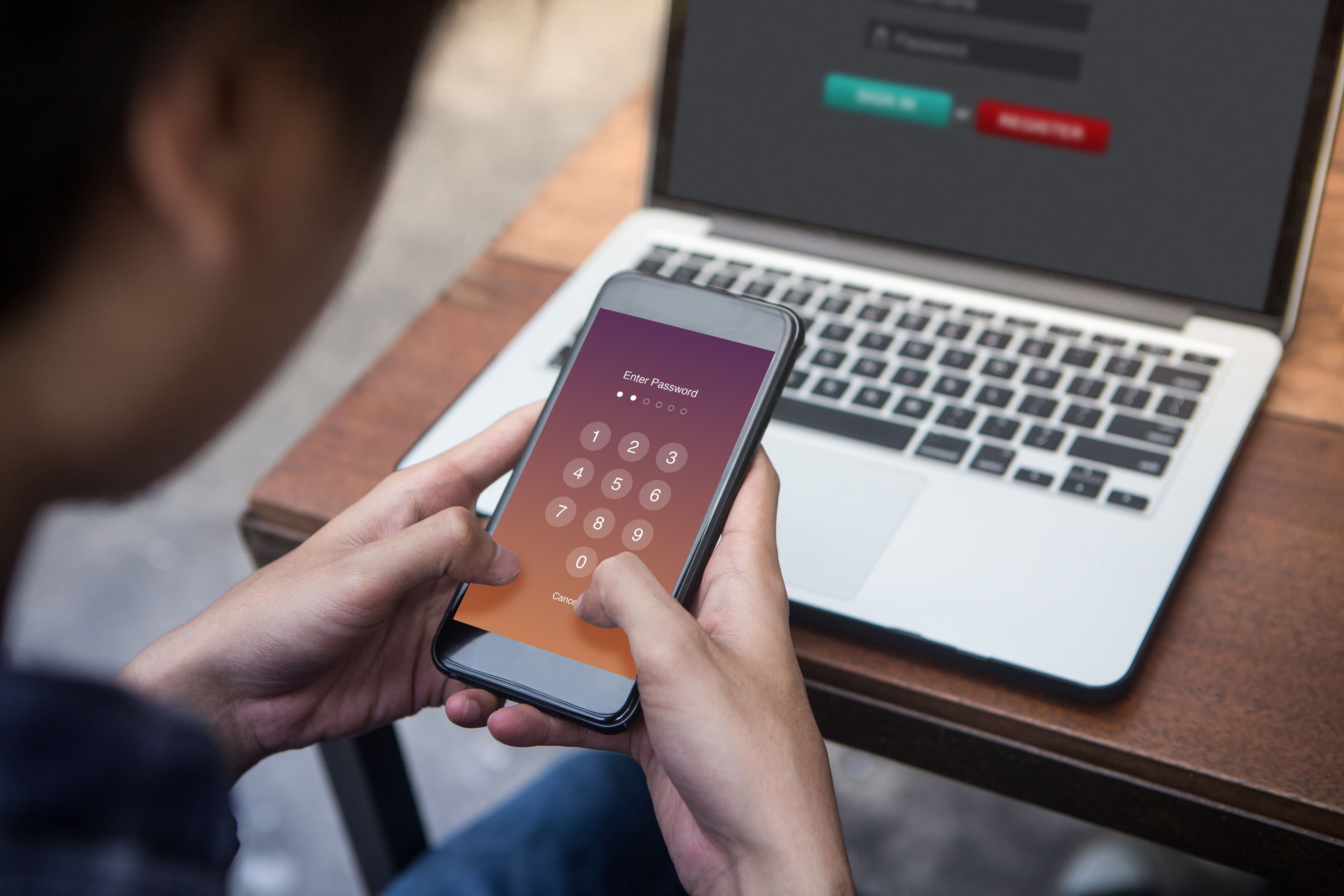
We’ve all been there. You can’t think of a new password, so you go for... “password123”. Or your birthday. Or your pet’s name. It's tempting to go for easy options. However, these kinds of passwords are considered ‘weak’, meaning they can be easy for bad actors to guess.
Think of it this way: your password is like a door. The difference between a weak password and a strong one is like the difference between a lock you can pick with a hairpin and a full-on latch with a chain for good measure. Best to play it safe, right? Especially when that door is protecting your personal data.
That means the longer and more complex your password, the better. Make sure to mix in uppercase and lowercase letters, numbers, special characters and aim for at least 12 characters in total.
It’s not just the strength of the password that matters – it’s the uniqueness. Try to avoid reusing the same password across multiple online accounts, in case data from one company is ever hacked or leaked online. That means using separate passwords for your Blue Light Card, your Netflix, your social media and email accounts, and so on.
Too many passwords and not enough brain space to remember them? Password manager apps like 1Password or Bitwarden can help you stay on top of your log-ins. These kinds of tools can also generate long, strong passwords for you when you’re out of ideas.
If you’re using the same password across multiple sites and accounts, there’s no time like the present to change your password to a strong, unique option.
Your Blue Light Card is a thank you for everything you do. We ask that you never share your account details with anyone else, even friends and family members. Giving anyone else access to your account increases the risk of your personal information falling into the wrong hands. If someone you know is eligible for a Blue Light Card, encourage them to sign up – you can even refer them yourself.
Scammers sometimes try to impersonate brands you know and trust – including Blue Light Card. So how can you know when it’s the real deal?
First, it's important to know that Blue Light Card will never contact you to ask for your password, bank details or any personal information. If someone phones you claiming to be Blue Light Card and asks for your log-in or payment details, end the call immediately and contact our support team to report it.
Fraudsters can also pretend to be popular brands in the form of ‘phishing’ emails, ‘smishing’ text messages, ‘vishing’ phone calls and imitation social media accounts. It’s good practice to keep an eye out for the following red flags:
Trust your gut. If something seems wrong, don’t click the links, don’t reply, and don’t share any information with the sender or caller.
You can report suspected scam messages to the National Cyber Security Centre at report@phishing.gov.uk or by forwarding suspicious texts to 7726.
Regularly checking your bank statements and transactions is an important habit. Fingers crossed it never happens, but if you’re ever the victim of a scam, you might be able to catch it by spotting transactions you don’t recognise – even tiny ones. Fraudsters will often test stolen details with a small purchase first before going bigger.
If you use a mobile banking app, consider turning on transaction notifications. That way, you’ll be alerted in real time whenever your card is used.
If you see a transaction that you don’t recognise, contact your bank directly. You may also be able to dispute the transaction and request a refund under your bank’s fraud protection policy. If you believe your Blue Light Card membership has been compromised, please contact us at the same time.
We’d always rather be safe than sorry. If you have questions or concerns about your Blue Light account or any communications from us, please get in touch. Best-case scenario, it’s nothing, and we’ll thank you for being vigilant. Worst-case scenario, our support team will be able to help you resolve everything as quickly as possible.
Need support with your Blue Light Card account? Check out our help centre.
If you’re not sure if a message is from us or not, contact our support team and we’ll verify it for you.
To change your Blue Light Card password:
Start by changing your password. Once you've done that, please contact our support team and share the details of the incident so we can help with next steps. If you believe your Blue Light Card account has been accessed by someone else, check your bank statements for anything unfamiliar. If you see any suspicious transactions, contact your bank immediately.
Your card details are kept securely encrypted with our trusted payment provider.
If you’ve received a message claiming to be from Blue Light Card that you suspect isn’t from us, please report it to us by contacting our support team. You can also report suspected scam messages to the National Cyber Security Centre at report@phishing.gov.uk or by forwarding suspicious texts to 7726.
Blue Light Card provides this guidance for information purposes only. It does not constitute legal, financial or technical security advice. The steps outlined are general best-practice recommendations and cannot guarantee protection against all forms of fraud or scams.
If you believe you have been the victim of fraud, contact your bank immediately and report it to Report Fraud at reportfraud.police.uk or by calling 0300 123 2040. Suspicious emails can be reported to the National Cyber Security Centre at report@phishing.gov.uk. Suspicious text messages can be forwarded to 7726.
Blue Light Card will never contact you by phone, email or text to request your password, bank details or personal information.