
It’s 11pm, you’re propped up in bed after a late shift, and a text pings in: your parcel couldn’t be delivered, and you need to pay a small fee to rearrange. You’re tired, you’re expecting about four deliveries this week, and your thumb is already hovering over the link.
Hold that thought.
This is the exact moment scammers are counting on, and with the festive season on the way, there are plenty of them about at this time of year. The good news is that staying safe doesn’t take a degree in cyber security.
Here are six practical tips to help you shop online with more confidence, plus some advice from our own Security Analyst, Marie.
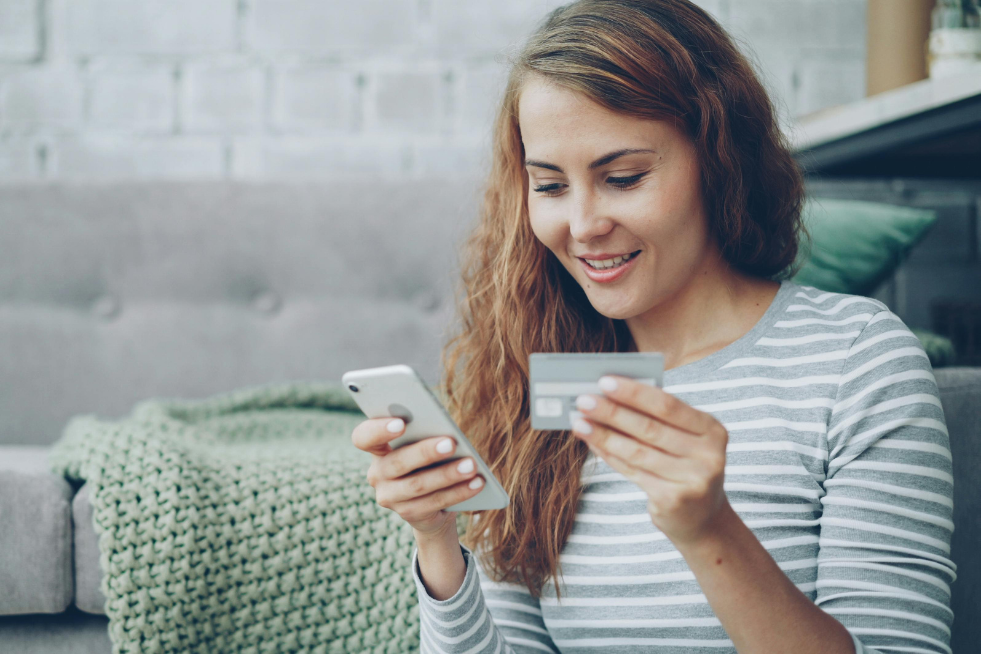
Shopping with a brand you’ve used before is a simple way to keep your online shopping safer. If you come across a company you’ve never heard of, do a bit of digging first. Search for reviews on independent sites rather than relying on testimonials on the retailer’s own page (they’re rarely going to say anything bad about themselves).
Then be careful how you get there. Type the web address in yourself or use the retailer’s official app, rather than clicking a link in an ad or a message. Once you’re on the site, check the URL for odd spellings or extra words. Fake sites often copy real ones with just one letter changed, and that’s very easy to miss on a phone screen at 6am.
We all love a bargain. But a brand-new console at 70% off, or a “buy one, get one free” on something that’s rarely discounted, can be a red flag and worth a second look. If a price looks too good to be true, ask yourself why only one site is offering it.
Then there’s the pressure. Countdown timers, “only two left” banners and nudges to act now are there to stop you from thinking. A minute’s pause costs you little, so if you’re unsure, close the tab, make a brew and check the retailer’s own site.
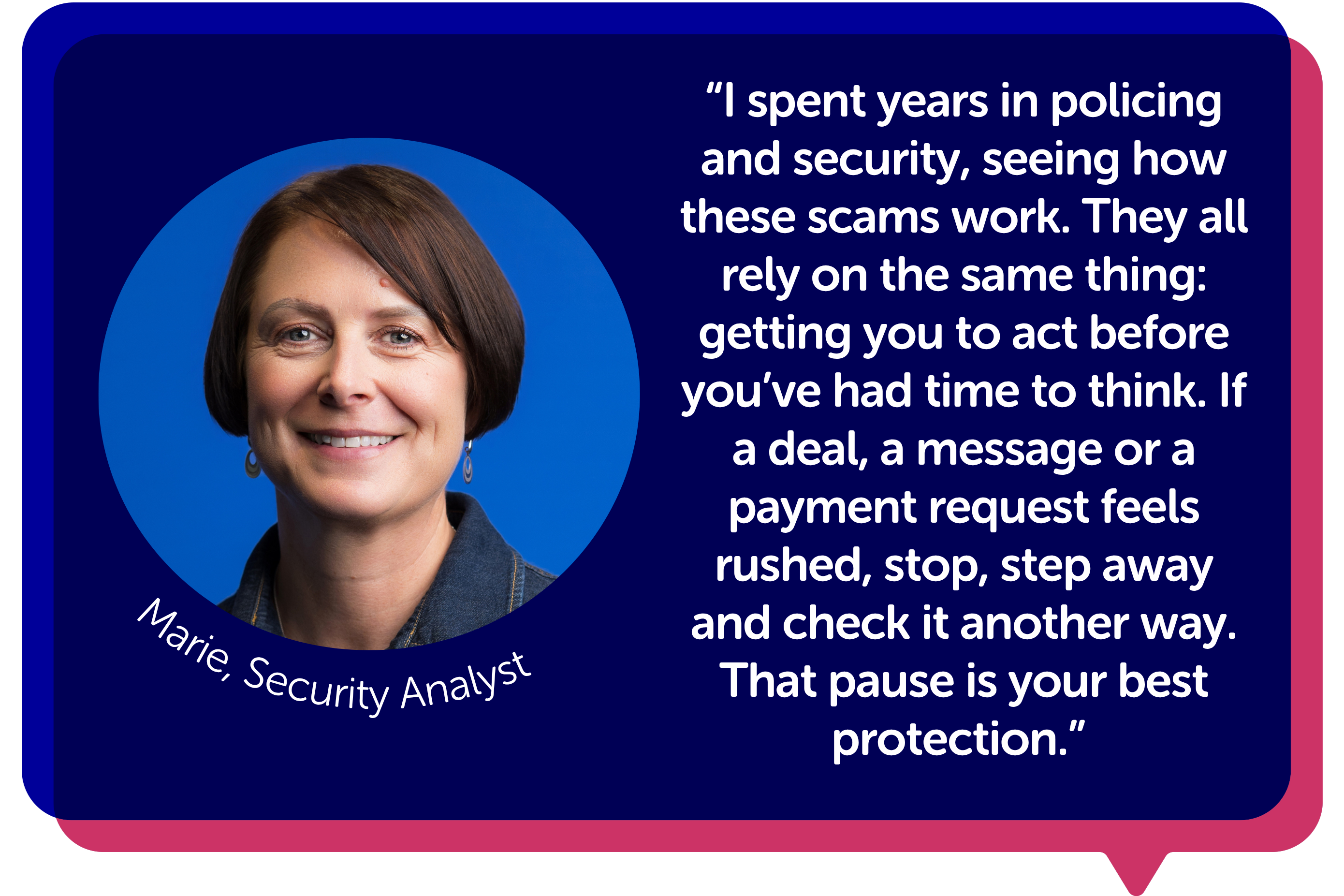
Marie, Blue Light Card’s Security Analyst, puts it simply:
How you pay matters almost as much as where you shop. Always pay through the retailer’s checkout, whether you use a card, a digital wallet or Pay by Bank (paying directly from your bank account through your banking app). A credit card or PayPal usually gives you stronger protection if something goes wrong, which can make them a safer choice when you’re buying from a retailer you haven’t used before. Just check the terms.
Avoid paying a seller you don’t know by bank transfer or crypto. You’re unlikely to get that money back, which is exactly why scammers ask for it.
When your bank asks you to confirm a payment, double-check that the amount and who you’re paying are what you expected. Some genuine retailers use a payment provider or a different trading name, so a slightly different name isn’t proof of a scam. A completely unrelated name is your cue to pause and check with the retailer before you approve anything.
Never approve a request you didn’t start yourself and never read out a one-time code to anyone who contacts you, even if they say they’re from your bank.
Scam messages are very good at looking ordinary (except for the one that says “Hi Mum, I’ve lost my phone” when you have no children). These three turn up a lot at this time of year, and you’re likely to see at least one before Christmas:
Don’t click the link. Go to the retailer’s website or app directly instead and check there. If there’s a genuine problem with a delivery or an account, you’re likely to see it there. And a genuine bank won’t ask for your PIN.
If you do receive a text message or phone call that is a scam, forward the message or phone number to 7726. The service is free to use and alerts your mobile phone provider to investigate. If you receive a suspicious email you want to report, forward it to report@phishing.gov.uk. And never share a one-time code with anyone.
Come January, once the sales are over and the Christmas dust has settled, sit down and look through your bank and card transactions properly. If there’s anything you don’t recognise, report it to your bank straight away.
A quick, easy way to keep a closer eye on your transactions is to turn on banking notifications. This way, you’ll see them pop up as they go through.
While you’re being careful, avoid logging in to shopping or banking accounts on public Wi-Fi, whether that’s a café, a train station or the hospital canteen. Use your mobile data instead.
Try not to beat yourself up. Being a victim of a scam can happen to anyone.
Call your bank straight away using the number on the back of your card (not a number from a text or email). Alternatively, ring 159. This is a UK-wide telephone short-code that connects you to your bank’s fraud department if you suspect a scam.
Then report the fraud through Report Fraud if you’re in England, Wales or Northern Ireland. If you’re in Scotland, call Police Scotland on 101. The sooner you report it, the more options you’re likely to have.
If you’re using your Blue Light Card to save on Christmas shopping, the same rule from tip one applies: go through the Blue Light Card app or website to find your offer, rather than clicking a link in a message.
Check the web address for odd spellings or extra words and search for reviews on independent sites. Be wary of prices that seem far too good to be true, or pressure to buy quickly. If you’re still unsure, shop somewhere you already know.
Pay through a retailer’s official checkout and check the amount and the name of the person or company you’re paying before you approve. If the name looks unrelated to the site you’re on, stop and check with the retailer first. Be wary of anyone who asks you to pay by crypto or a transfer to a personal account, because you’re unlikely to get that money back. A credit card or PayPal usually gives you stronger protection if something goes wrong.
Call your bank straight away using the number on the back of your card, then report it through Report Fraud if you’re in England, Wales or Northern Ireland. If you’re in Scotland, call Police Scotland on 101. Report anything you don’t recognise on your statements as soon as you spot it.